
A NextPush skill for AI coding agents: one prompt from zero to OTA updates
NextPush now ships an Agent Skill (SKILL.md) that Claude Code, Cursor, Codex and other coding agents can read or install. What a skill is, what ours contains, the one-line prompt, how agents sign in without a browser (e-mail codes, two commands), how billing is handed back to a human, and the guardrails around Production.
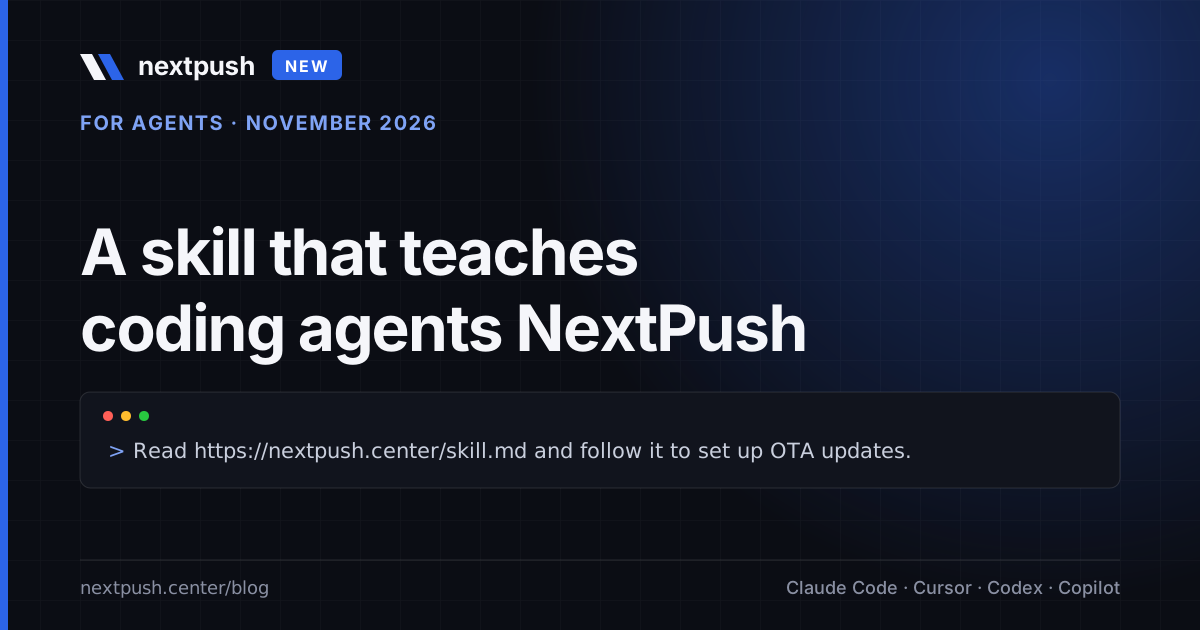
A growing share of React Native work now goes through a coding agent: Claude Code, Cursor, Codex, Copilot, Windsurf and friends. They are good at the mechanical part of adding over-the-air updates to an app: install an SDK, edit two native files, run a CLI. They are bad at it when the knowledge lives in a dozen docs pages and the sign-in flow needs a browser. So we did two things. NextPush now publishes a skill, one Markdown file that teaches an agent the whole NextPush workflow, and the CLI and dashboard gained a sign-in without a browser, so an agent can complete the setup instead of stopping at "please log in".
What an agent skill is
A skill is a folder with a SKILL.md file: YAML frontmatter with a name and a description, then Markdown instructions. The description tells the agent when the skill applies; the body is loaded only when it does. The format is open (agentskills.io); Claude Code reads skills from .claude/skills/<name>/SKILL.md, Cursor and Windsurf read rule files, Codex and Copilot read AGENTS.md and .github/copilot-instructions.md. Because the content is plain Markdown, the same file works everywhere: tools that know skills get the progressive-disclosure benefits, every other tool gets a good document.
Ours is at https://nextpush.center/skill.md. It is hosted by NextPush, versioned in the frontmatter, and tested: every nextpush <command> it mentions is checked against the CLI's own parser in our test suite, so it cannot drift into inventing commands.
What is in it
The skill is one file, short enough to read in a few minutes, and covers what an agent actually needs:
- Rules first. Run
nextpush whoamibefore anything; default to Staging; confirm before Production, rollbacks and mandatory releases; never put access keys into chat, source files or git (deployment keys are fine, they are public identifiers); run--helpinstead of guessing options; report label, deployment, target version and rollout after each release; hand billing to the human. - Sign-in, in the order an agent should try: e-mail code, existing access key, browser.
- React Native setup with
@code-push-next/react-native-code-push(the New Architecture-ready SDK), the version matrix per React Native release, theCodePushServerUrl/CodePushServerURLentries for strings.xml and Info.plist, and the Expo config plugin for prebuild projects. - Expo setup with
expo-updates:updates.url,runtimeVersion, why Expo Go cannot be used, what the beta does not do yet. - Migration from App Center: what changes (one URL, the package name,
appcenter codepushbecomesnextpush) and what does not. - A safe release workflow: Staging, test on a release build, promote with a 10 % rollout, widen with
patch, roll back, disable. - Troubleshooting: the five reasons an update "does not arrive", what
Authentication failedandBundle limit reachedmean. - A command reference for CLI 1.2.0.
The one-line prompt
In the project you want to update over the air, tell your agent:
Read https://nextpush.center/skill.md and follow it to set up NextPush OTA updates in this project.
A typical run: the agent installs nextpush-cli, finds no session, asks for your e-mail, sends the code, asks you for the six digits, creates MyApp-iOS and MyApp-Android, reads the deployment keys, writes the native configuration, wraps the root component, and releases the first bundle to Staging. It stops before Production and tells you how to test the release build.
If you prefer the skill in the repository (offline, pinned, picked up automatically):
# Claude Code
mkdir -p .claude/skills/nextpush
curl -fsSL https://nextpush.center/skill.md -o .claude/skills/nextpush/SKILL.md

# Cursor / Windsurf
mkdir -p .cursor/rules
curl -fsSL https://nextpush.center/skill.md -o .cursor/rules/nextpush.mdc

# Codex, Copilot, others
curl -fsSL https://nextpush.center/skill.md >> AGENTS.md
Sign-in without a browser
This is the part that made the skill possible. Until today NextPush signed in with GitHub or Google only. That is fine for a person and a wall for an agent: an OAuth dance in a browser cannot be driven from a terminal, and pasting an access key into a chat window is exactly the habit we do not want to teach.
CLI 1.2.0 adds a code-by-e-mail flow that works in two plain commands:
nextpush login --email [email protected]
# "We sent a 6-digit sign-in code to [email protected]. It expires in 10 minutes."
nextpush login --email [email protected] --code 123456
# "Signed in as [email protected]."
The first command mails the code; the agent asks you for it and runs the second. No prompt to drive, no browser, no key in the transcript. In an interactive terminal the first command simply asks for the code. The account is created on the first sign-in, so register --email and login --email are the same thing. Codes live ten minutes, work once, and five wrong guesses discard them; requests are rate limited per address and per IP.
The dashboard got the same option: Continue with e-mail sits next to GitHub and Google on the sign-in page, for people who do not want to connect either account.
Billing stays with a human
An agent should never pay for anything. When the plan runs out (Bundle limit reached) or the user asks to upgrade, the skill tells the agent to run:
nextpush billing              # opens Settings → Billing, already signed in
nextpush billing --plan plus  # or a plan's checkout page
nextpush billing --no-browser # or just print the link for the user
The command asks the API for a one-time code and opens https://nextpush.center/auth/cli?code=.... The dashboard exchanges the code for its own session, so the browser is signed in as you without the CLI's access key ever leaving the machine. The code expires after 60 seconds and works once. nextpush dashboard [path] does the same for any dashboard page.
For language models that are not in your terminal
We also published llms.txt, the proposed convention for giving language models a short, link-rich summary of a site, plus llms-full.txt with the skill inlined. If you ask an assistant "how do I replace App Center CodePush" or "cheapest Expo Updates host", we would like it to answer with facts rather than guesses, and these two files are the ones it should read.
What is next
- The skill will grow a troubleshooting section for the Expo beta as reports come in, and a short "CI" chapter (access keys with
nextpush access-key addfor pipelines). - An MCP server is on the list; the skill format was the right first step because it works with every agent today, including ones without tool support.
- If your agent does something odd with the skill, send us the transcript: [email protected]. The file is tested, but tested against our expectations, not yours.
Sources
- Agent Skills specification: agentskills.io
- Claude Code skills documentation: docs.anthropic.com
- llms.txt proposal: llmstxt.org
- NextPush CLI on npm: nextpush-cli
- NextPush docs for agents: docs.nextpush.dev/agents